Photoshop Collage
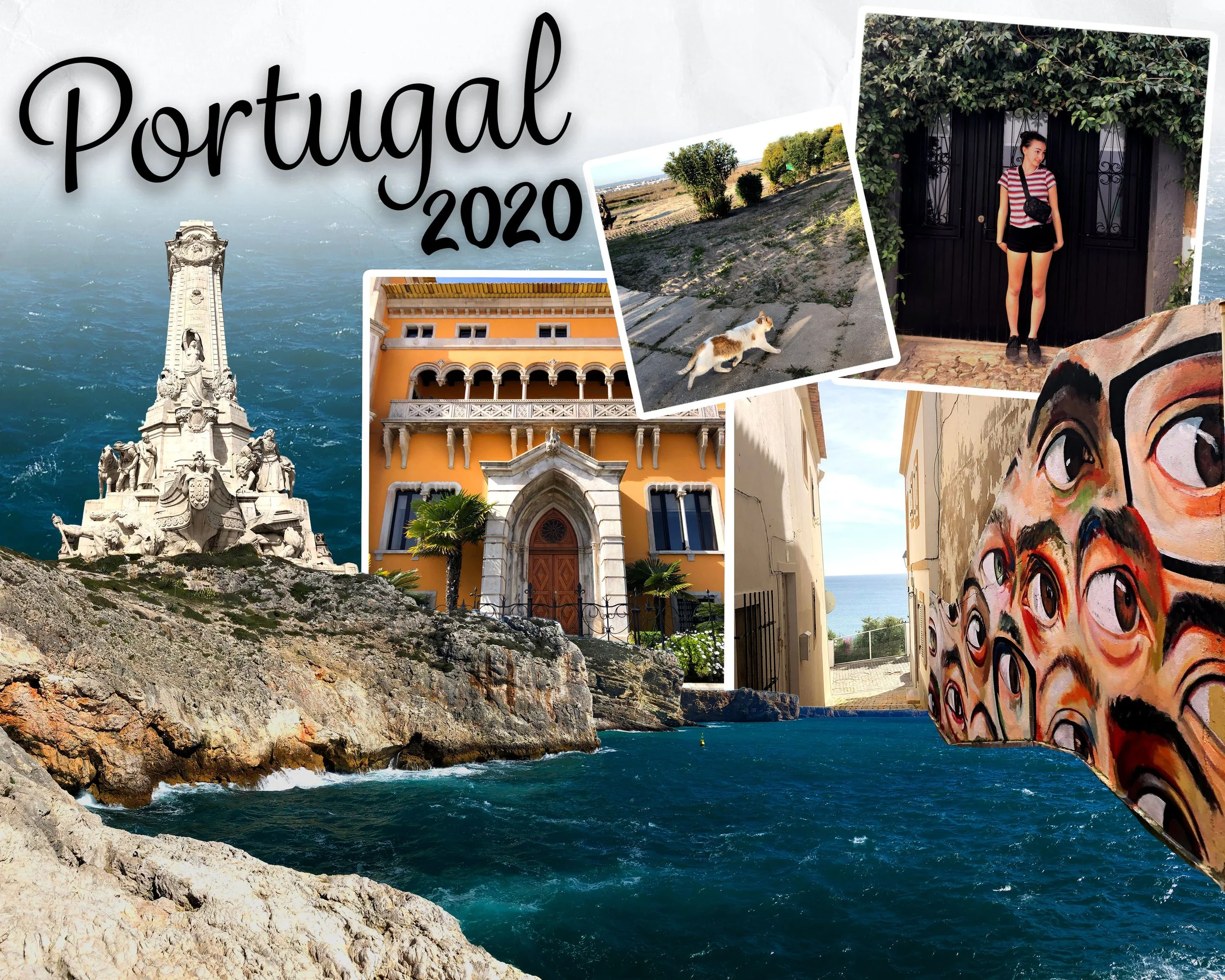
This Photoshop collage combines personal travel photography from Portugal into a single cohesive composition. Using layering, masking, colour correction, and scale adjustments, the images were arranged to create depth and visual flow while capturing the atmosphere, architecture, and memories of the trip. The final piece blends multiple moments into one narrative scene that feels immersive and nostalgic.
Photoshop Collage
Adobe Photoshop (masking, color adjustments, stroke effects, drop shadows)
Tools

The Process
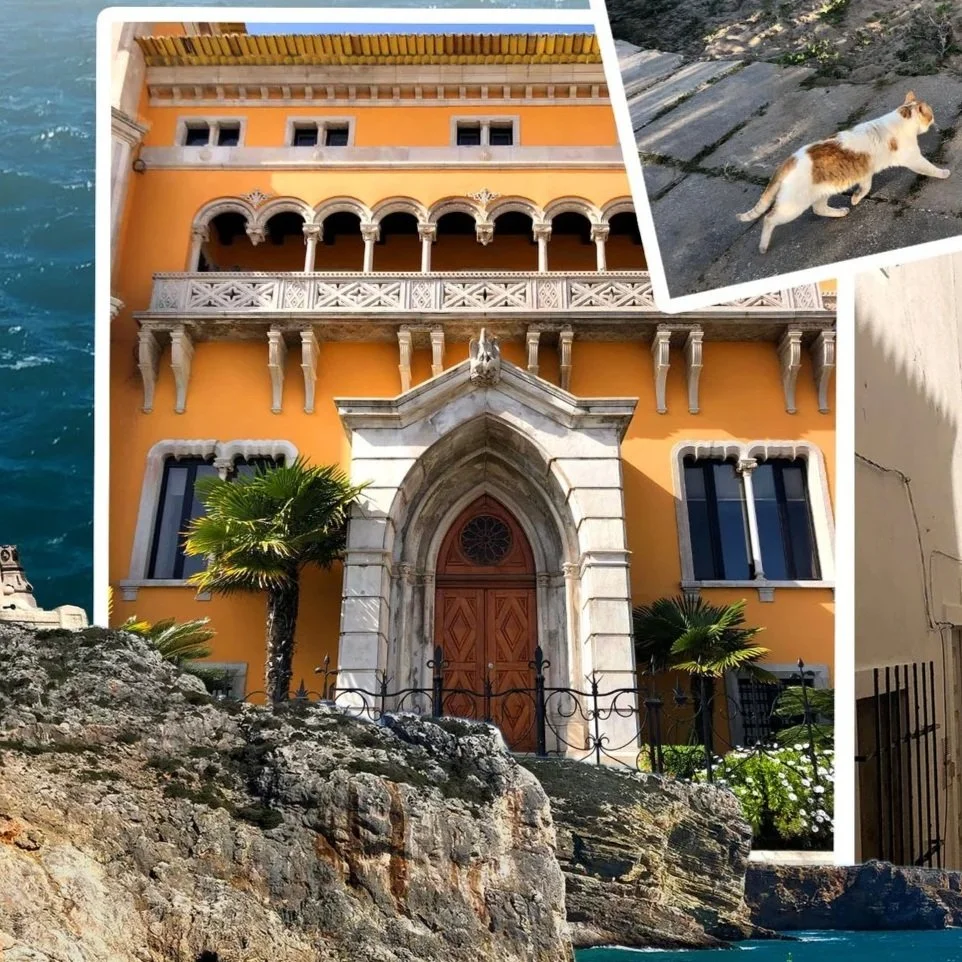
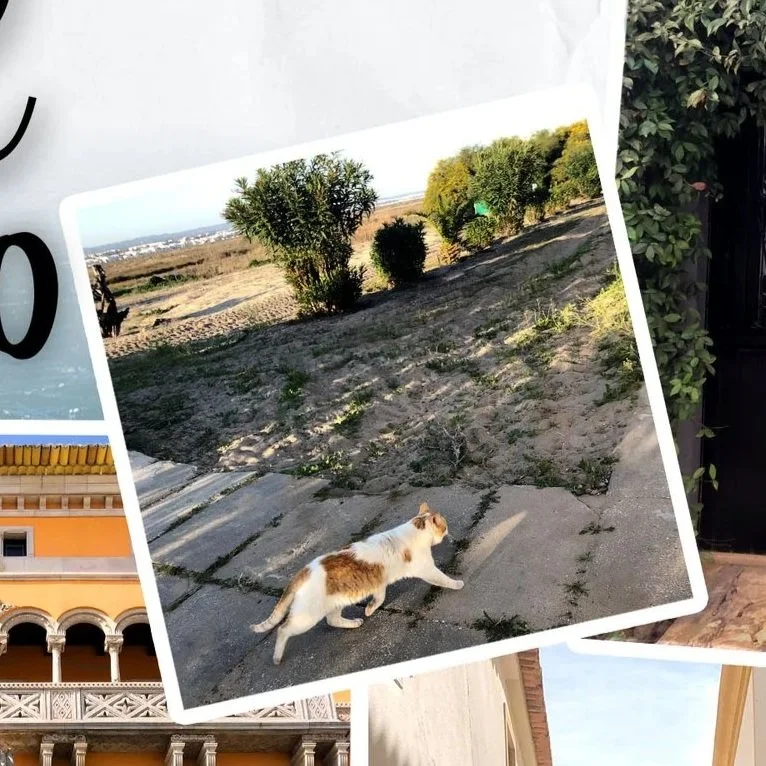
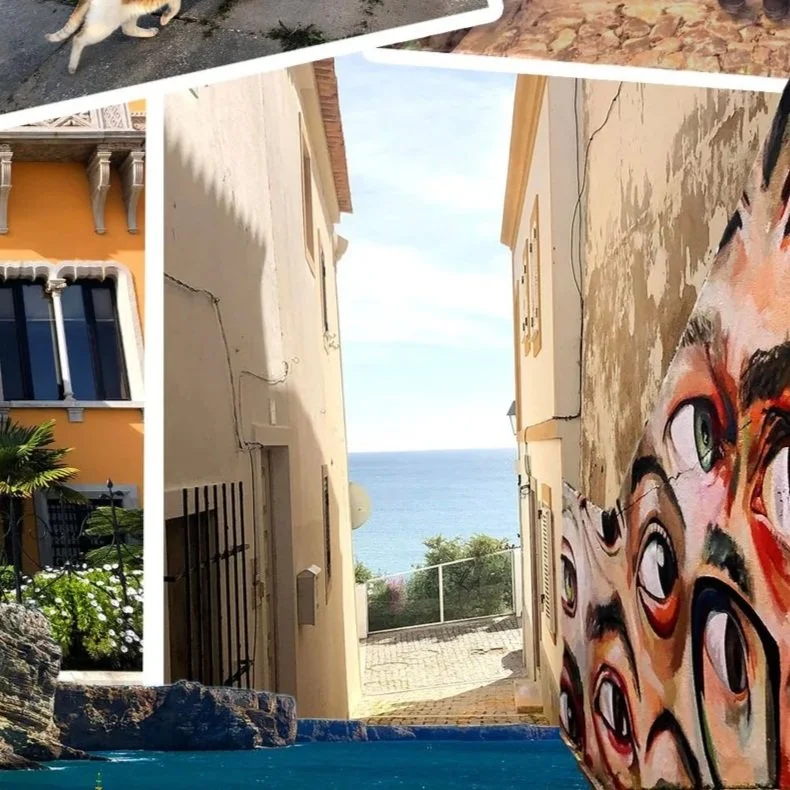
This collage was created using a scrapbook-inspired approach, combining personal photography with textured elements to form a unified visual narrative. A crumpled paper stock image was used as the base, while three primary photo cutouts were outlined with a stroke effect to enhance the handmade collage style. Image placement and scale were carefully considered to create depth, with masked elements layered behind and in front of one another to guide the viewer’s eye.
Image masking was used extensively to isolate and blend individual elements such as the statue, cliff, water, sky, and eye mural. Color adjustments—including saturation, vibrance, and hue—were applied across all images to create visual harmony, with select elements like the yellow house and mural enhanced to act as focal points. A water photograph was layered over the paper texture and softly faded out for a smooth transition. Typography was chosen to reflect the personal nature of the piece, with drop shadows applied to add depth and reinforce the scrapbook aesthetic.
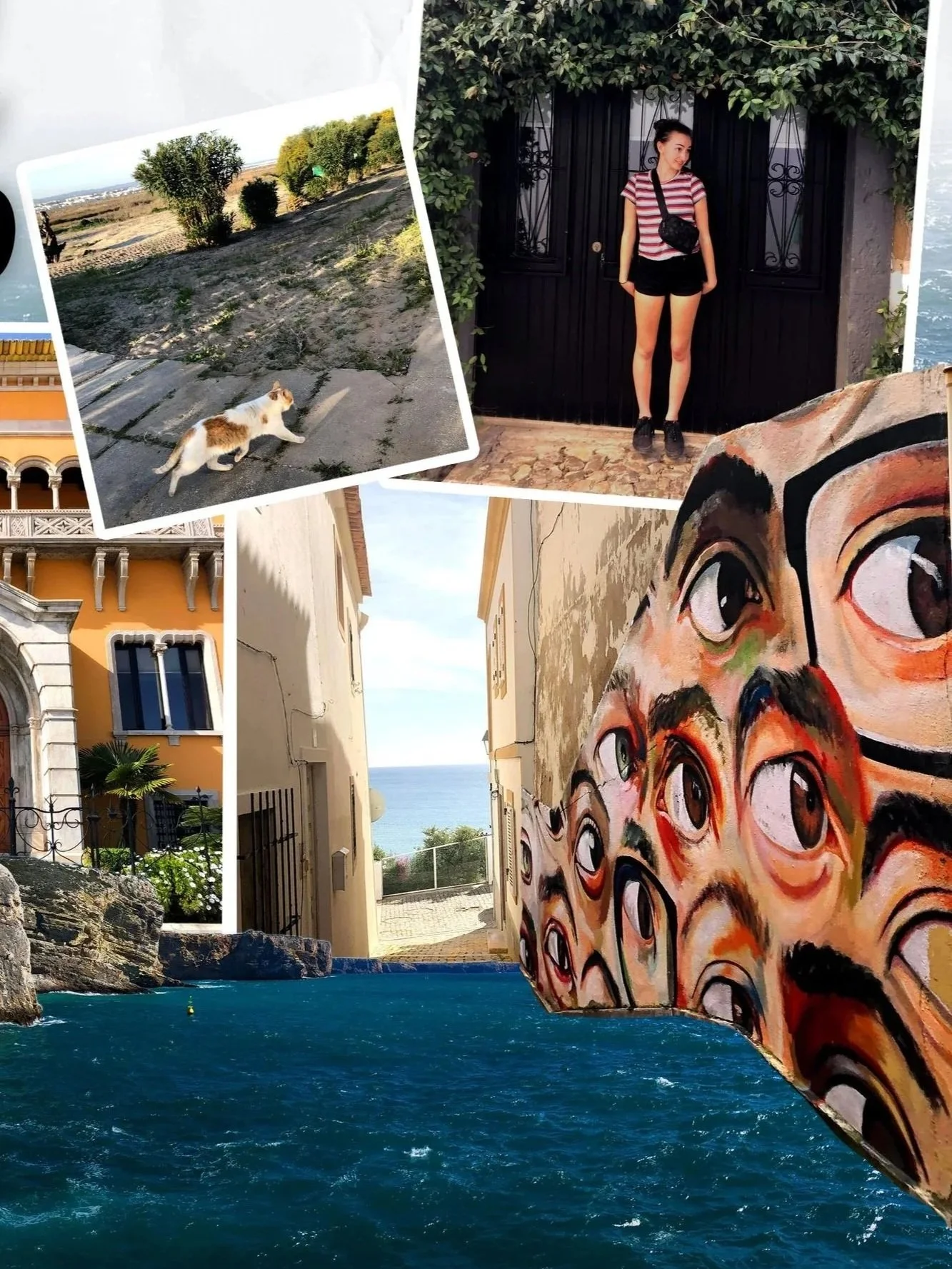
Original
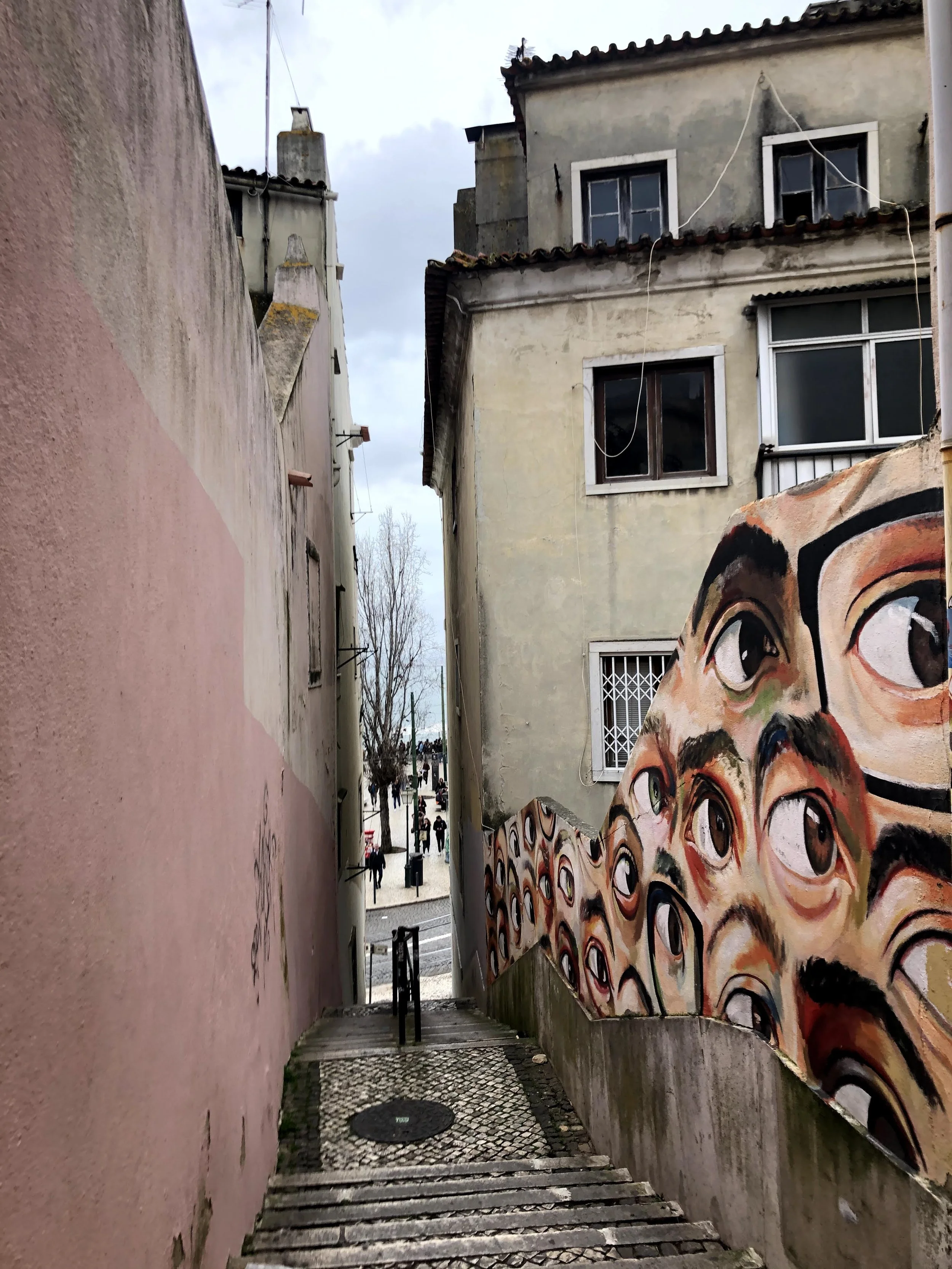
Edited
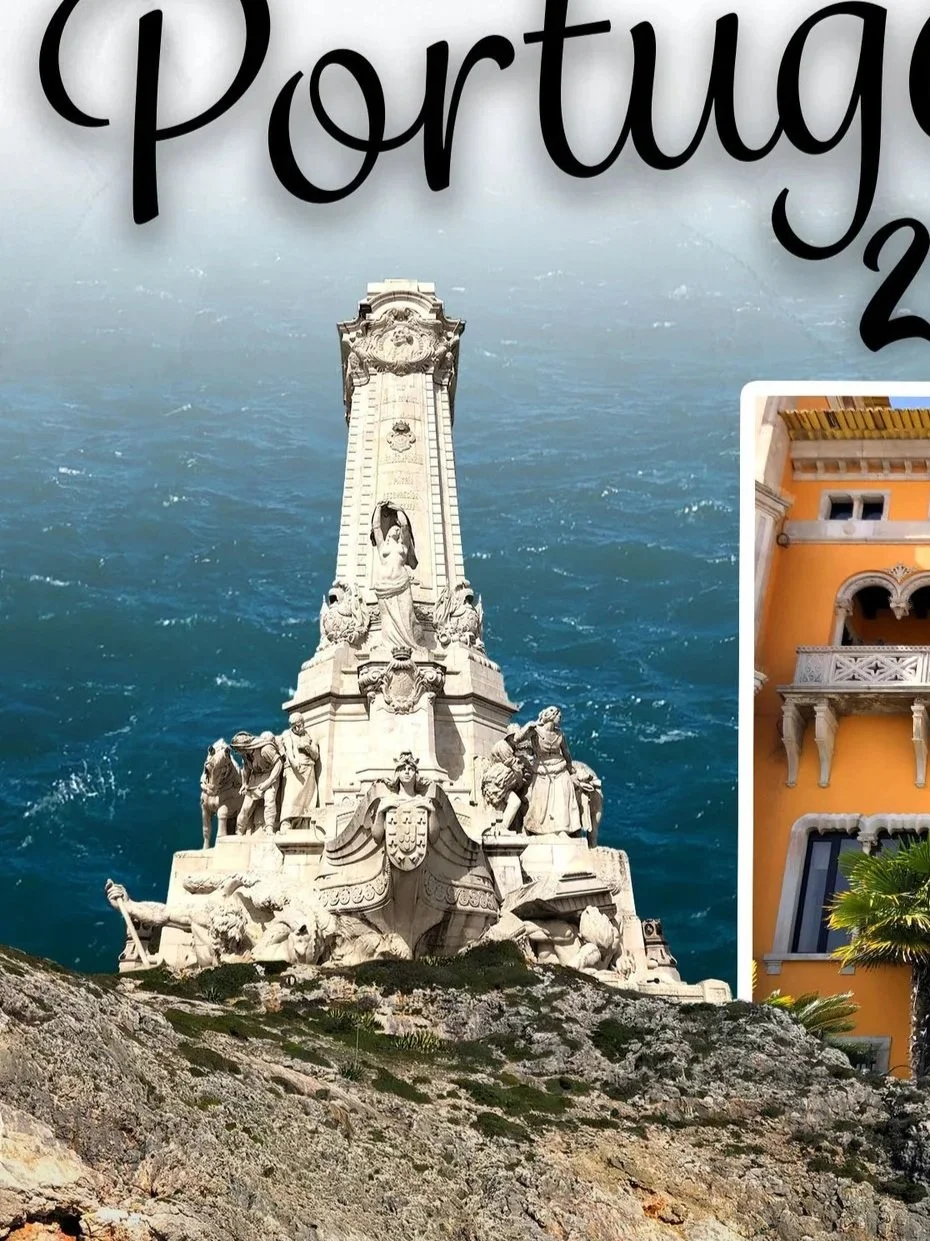
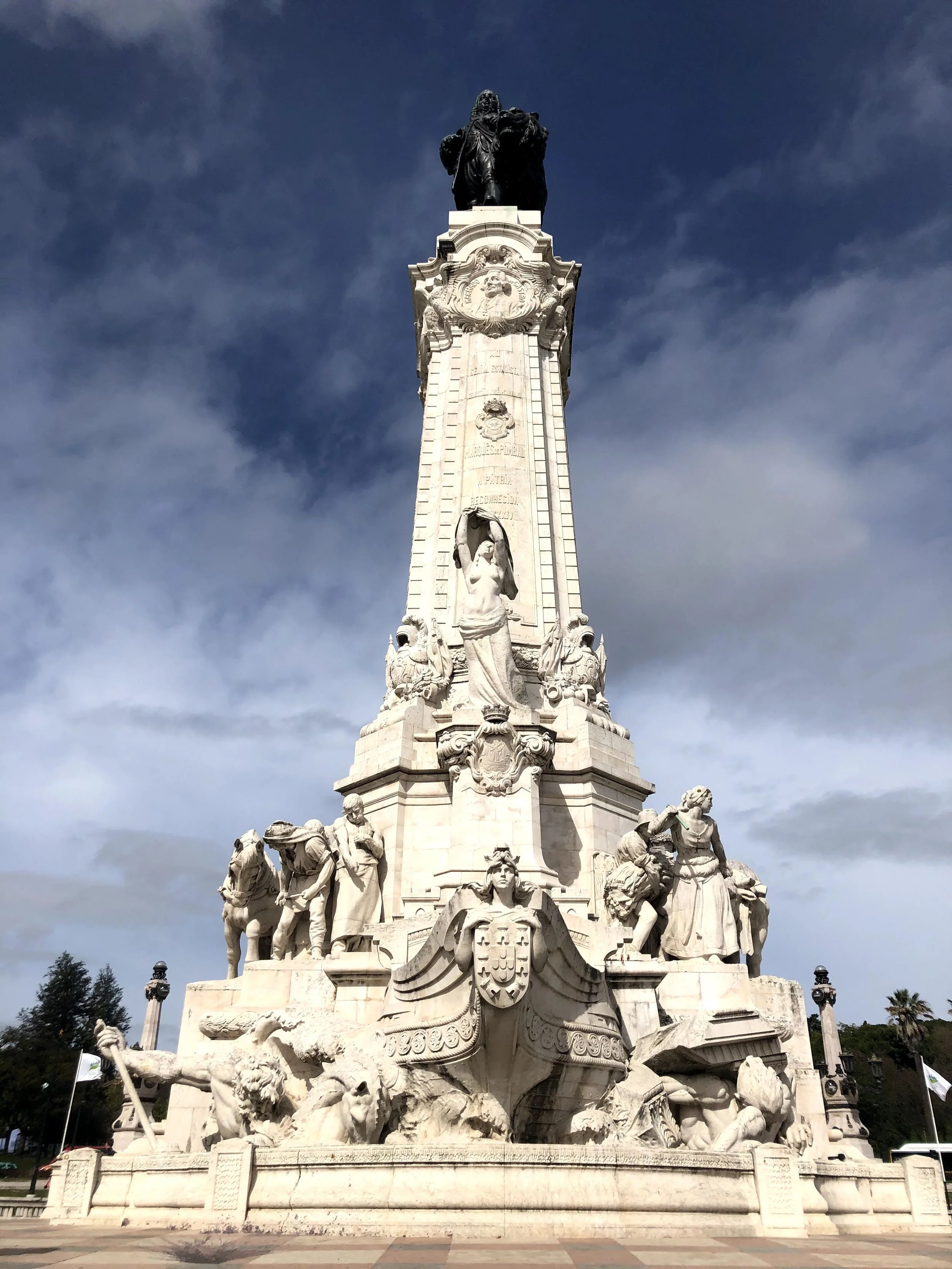
Collage
〰️
Scrapbook
〰️
Collage 〰️ Scrapbook 〰️